Select an option
Toggle Nav


Search
How do I align my image with the text in Microsoft® Word?
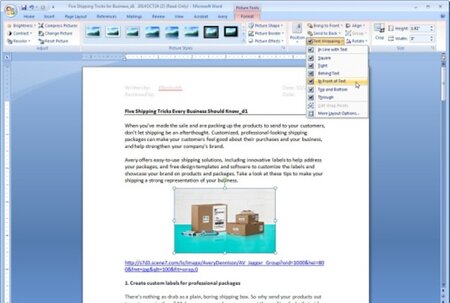
After inserting a picture into your Microsoft® Word document, click on the picture so the Picture Tools are available (shown above the toolbar). Choose Format from the toolbar and under Text Wrapping, select In Front of Text. This will allow you to move the picture to the desired location within the template.

Please complete your information below to login.