Toggle Nav


Search
How-to
How-to
-
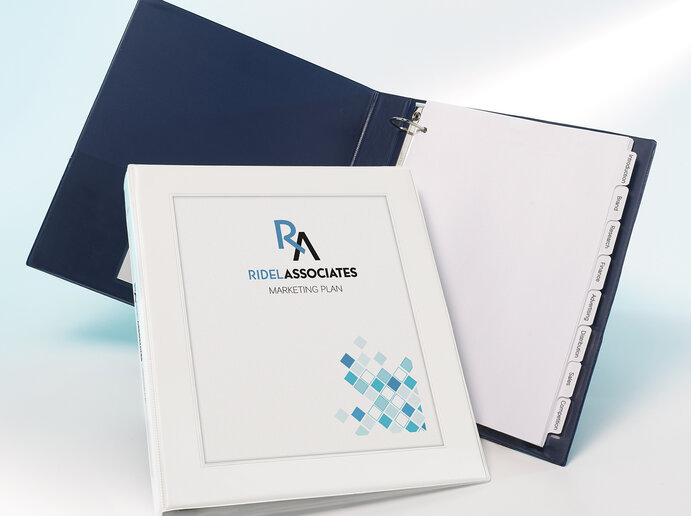
Adding Logos to Divider Tabs: Index Maker Clear Label Dividers
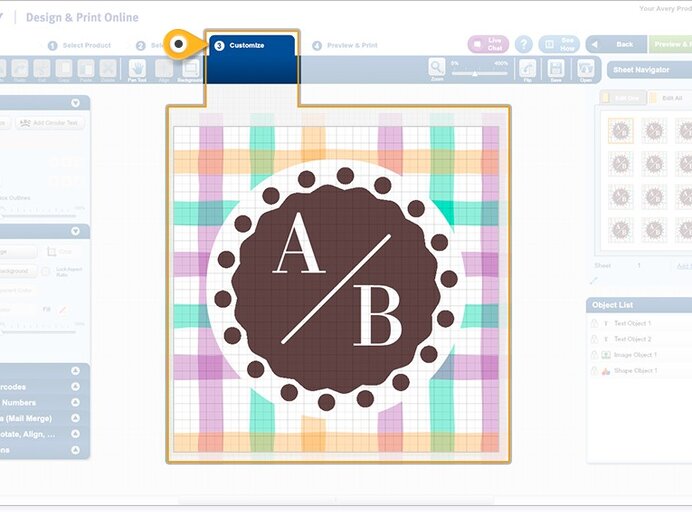
Customize your divider tabs by adding your logo or other graphics to the tab labels and applying them to both the front and back of your divider tabs. You can do it yourself, right from your computer or tablet with Avery Index Maker Clear Label Dividers and our easy-to-use Avery Design & Print. Just follow these simple step-by-step directions. Continue reading → -
Create Binder Tabs with Index Maker® Clear Label Dividers
It's easy to create custom, printed dividers in just minutes, with Avery Index Maker Dividers. Featuring our Easy Apply™ label strip, you can label all your divider tabs at once. Just print, stick and peel. These step-by-step instructions show you how easy it is to create custom dividers in a snap. Continue reading →



Page
- Page Previous
- Page 1
- Page 2
- Page 3
- Page 4
- You're currently reading page 5

Please complete your information below to login.